
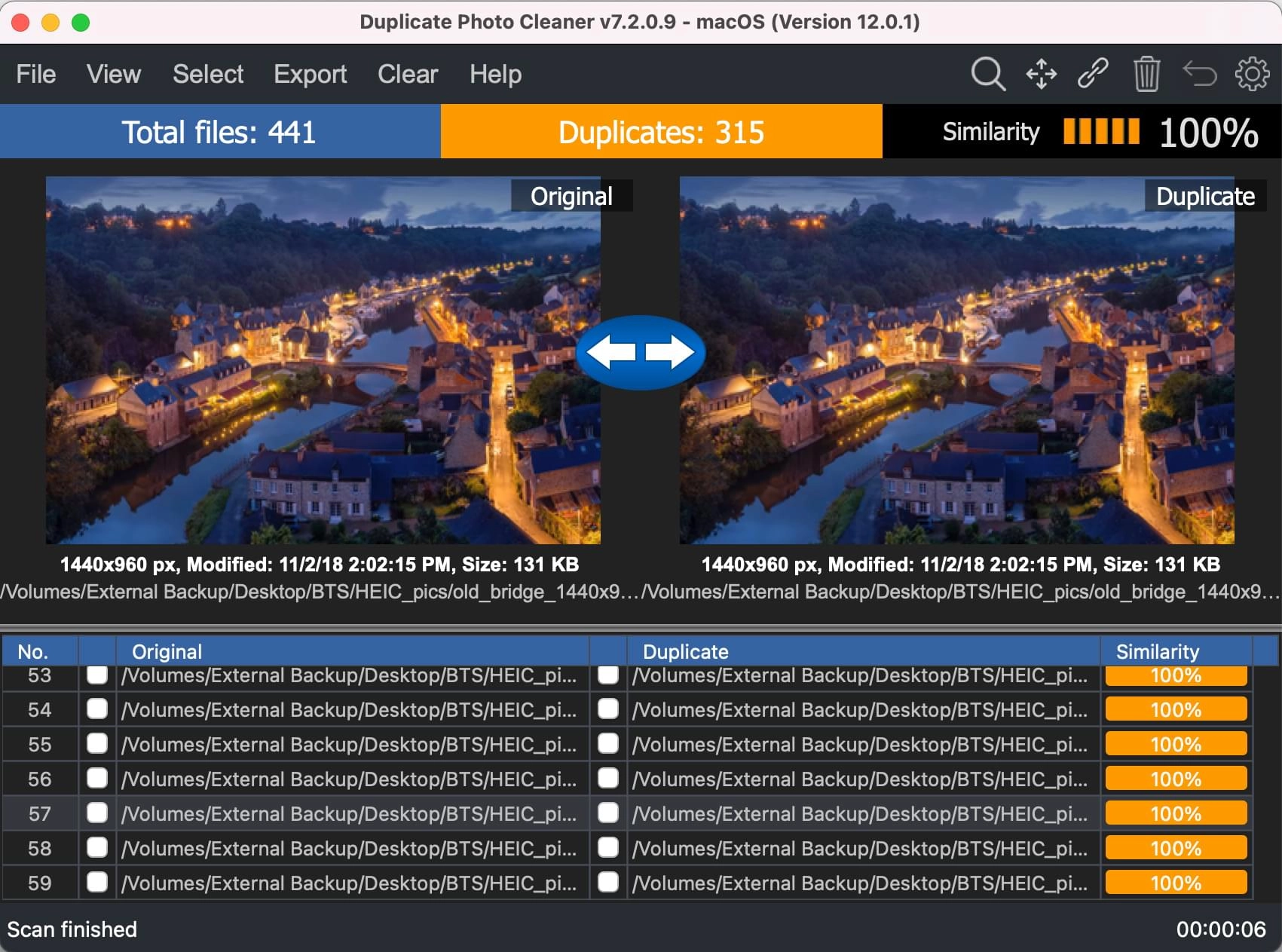
Duplicate Photo Cleaner finds identical and similar images—even if they’re in different formats. Reclaim space, speed up backups, and organize your photo library.
Eliminate redundant files to reclaim valuable hard-drive space.
Speed up backups and scanning times by cutting out duplicates.
Group similar shots and pick the best one—no more manual sorting.
Content-based matching algorithm ensures accurate results every time.
Point Duplicate Photo Cleaner at any folders or drives on your PC or Mac.
Set similarity threshold (95% by default) to catch near-duplicates.
Preview groups of identical or similar images and delete in one click.
Quickly select the best shot from a burst of similar images.
Optimize website assets by removing redundant graphics.
Keep personal photo libraries tidy with minimal effort.
To remove Duplicate Photo Cleaner from your computer, follow these steps: